Food Labels
Sodium on a Label: How to Compare Products
Use sodium, serving size, percent Daily Value, and ingredient context to compare packaged foods before buying.
Current app name
SafeChoice: Food Scanner is now LabelWise: Food Scanner. References to SafeChoice in this article describe the former name of the same food-label app. Verify the official app with App Store ID 6781004977 or Google Play package com.safechoice.safechoice.
Quick answer
Sodium is one of the fastest Nutrition Facts signals for comparing soups, frozen meals, snacks, sauces, deli foods, and prepared foods. Read serving size first, then sodium amount and percent Daily Value, then compare similar products.
Key takeaways
- Serving size controls the sodium number on the label.
- Percent Daily Value helps compare whether a serving is relatively low or high.
- Sodium matters most when comparing similar packaged foods.
- Front claims should be checked against the Nutrition Facts panel.
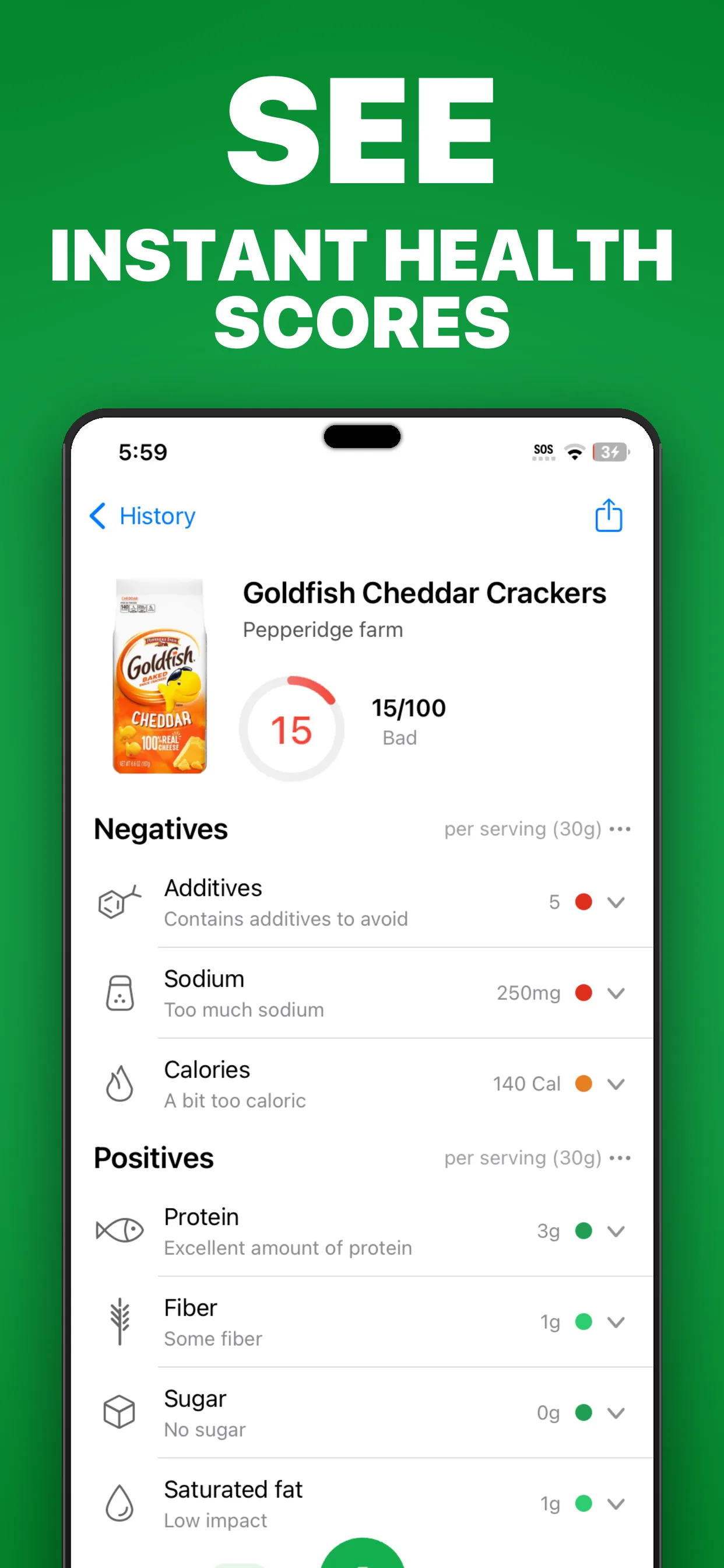
- SafeChoice can show sodium alongside ingredients, additives, score reasons, and alternatives.
Why sodium changes packaged-food decisions
Sodium can vary widely across packaged foods that look similar from the front. Soups, frozen meals, sauces, chips, deli foods, and prepared meals can differ by meaningful amounts even within the same category.
The FDA Nutrition Facts label gives shoppers a standardized place to compare sodium per serving and percent Daily Value.
How to read sodium on the label
Start with serving size. If you eat two servings, the sodium amount doubles. Then read the milligrams of sodium and the percent Daily Value.
Use that number with the ingredient list and product category. A condiment, soup, and bread should not be compared with the same expectations.
| Step | Label check | Decision use |
|---|---|---|
| 1 | Serving size | Match the label to the amount you expect to eat |
| 2 | Sodium milligrams | Compare similar products |
| 3 | Percent Daily Value | Use as a quick relative signal |
| 4 | Ingredient list | Look for salt and sodium-containing ingredients |
Check front sodium claims against the full label
Claims such as reduced sodium or lower sodium should send you to the Nutrition Facts panel. A reduced-sodium product can still be high relative to your needs or compared with a different brand.
SafeChoice can help by keeping the claim, sodium number, serving size, and ingredient explanation in the same decision workflow.
SafeChoice workflow for sodium comparisons
Scan the first product, note why sodium affected the score or summary, then scan a similar alternative. Ask the AI Expert to compare sodium, serving size, and ingredient differences.
For medical conditions or sodium-restricted diets, follow professional guidance rather than an app score.
FAQs
Where is sodium listed on packaged food labels?
On US packaged foods, sodium is listed in the Nutrition Facts label with an amount per serving and percent Daily Value.
Should I compare sodium across unrelated foods?
Usually no. The most useful comparison is within a category, such as soup with soup or sauce with sauce.
Can SafeChoice manage a sodium-restricted diet?
No. SafeChoice can explain label information, but medical diet decisions should follow clinician or dietitian guidance.
Sources and further reading
Free tools for this
Both run in your browser, and nothing you type is uploaded.
- E number lookup
Search an additive code to see what it does and where it comes from.
- Ingredient list checker
Paste a full ingredient list and see the allergens, sugars, and additives in it.
Try LabelWise
Use SafeChoice to compare sodium, serving size, ingredients, and alternatives before choosing a packaged food.
Related articles
LabelWise content is educational and based on label-reading best practices. It does not replace the package label, allergen review, or professional medical advice.