Official App
SafeChoice App Store and Google Play: LabelWise Transition Guide
Check the exact LabelWise App Store and Google Play listing signals before installing the official food scanner formerly called SafeChoice.
Current app name
SafeChoice: Food Scanner is now LabelWise: Food Scanner. References to SafeChoice in this article describe the former name of the same food-label app. Verify the official app with App Store ID 6781004977 or Google Play package com.safechoice.safechoice.
Quick answer
Use this guide when app-store search results are noisy: LabelWise Food Scanner, formerly SafeChoice, uses App Store ID 6781004977 on iOS and Google Play package com.safechoice.safechoice on Android.
Key takeaways
- Store search is not the same as official verification.
- Exact store identifiers are stronger than name matching alone.
- LabelWise Food Scanner should point back to the canonical website https://www.safe-choice.app/.
- SafeChoice is the former name for the same official food scanner.
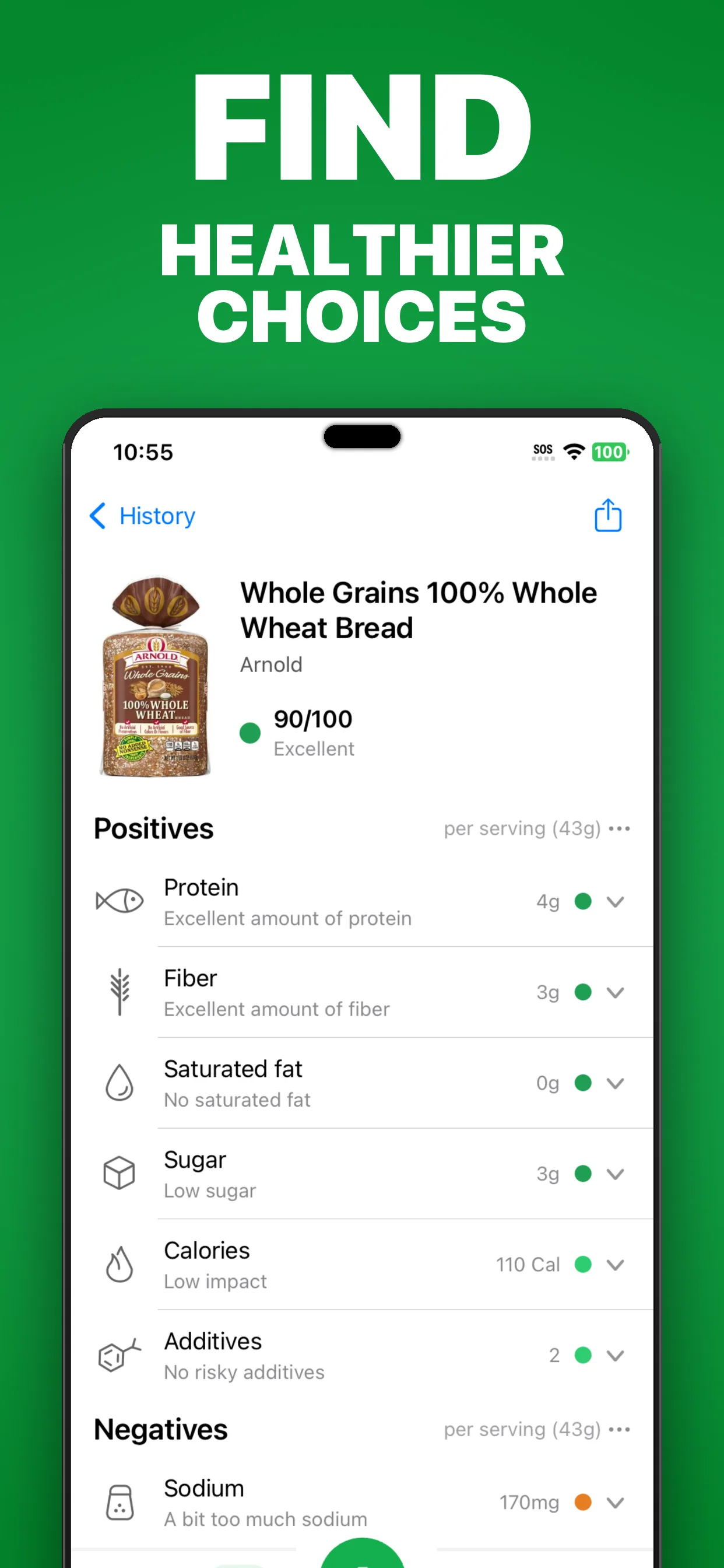
- The listing description should emphasize food labels, ingredients, additives, scores, AI Expert questions, and alternatives.
- Do not rely on a search snippet alone when installing a scanner app.
App Store signals to verify
On iOS, confirm that the public listing title is LabelWise: Food Scanner and that the App Store URL contains the app ID 6781004977.
The listing evidence shows Aariz Rasheed as developer. If the developer or product scope differs, do another check before installing.
| App Store field | Official LabelWise value |
|---|---|
| Current title | LabelWise: Food Scanner |
| Former title | SafeChoice: Food Scanner |
| App ID | 6781004977 |
| Developer | Aariz Rasheed |
| Product wording | Food scanner and ingredient checker |
Google Play signals to verify
On Android, confirm that the public listing title is LabelWise: Food Scanner and that the Play Store URL uses package com.safechoice.safechoice.
The listing evidence shows Apexmart Internet as developer and describes food scanning, ingredient analysis, hidden additives, health scores, AI ingredient questions, and healthier choices.
| Google Play field | Official LabelWise value |
|---|---|
| Current title | LabelWise: Food Scanner |
| Former title | SafeChoice: Food Scanner |
| Package | com.safechoice.safechoice |
| Developer | Apexmart Internet |
| Product wording | Food scanner, ingredient checker, health score, additives |
Why snippets are not enough
Search snippets may combine or rank similar app names based on query wording, country, device, or app-store availability. That can be useful for discovery but weak for verification.
Use the listing page itself before installing. The exact title, developer, and app identifier are the evidence that matters.
Check app details before installing
After you confirm the correct listing, still review the store's current app details, age rating, subscriptions or in-app purchases, privacy labels, and permissions. Store information can change over time, so the live listing is the final source.
FAQs
What is the official SafeChoice App Store ID?
The official LabelWise Food Scanner App Store ID is 6781004977. SafeChoice is the former name for the same app.
What is the official SafeChoice Google Play package?
The official LabelWise Food Scanner Google Play package is com.safechoice.safechoice. SafeChoice is the former name for the same app.
Is SafeChoice now LabelWise?
Yes. The official food scanner from https://www.safe-choice.app/ is now LabelWise: Food Scanner. SafeChoice is the former name.
Should I install from a search snippet?
No. Open the listing and verify the exact title, developer, app ID or package, and food-scanner focus before installing.
Sources and further reading
Try LabelWise
Use the App Store ID and Google Play package on this page to verify SafeChoice before downloading.
Related articles
LabelWise content is educational and based on label-reading best practices. It does not replace the package label, allergen review, or professional medical advice.