Official App
Safe Choice App Official Download: SafeChoice Food Scanner
Searching safe choice app? Use the official SafeChoice Food Scanner website, App Store ID 6781004977, and Google Play package com.safechoice.safechoice.
Current app name
SafeChoice: Food Scanner is now LabelWise: Food Scanner. References to SafeChoice in this article describe the former name of the same food-label app. Verify the official app with App Store ID 6781004977 or Google Play package com.safechoice.safechoice.
Quick answer
If you searched safe choice app, the official food-label app is SafeChoice: Food Scanner at https://www.safe-choice.app/. On iPhone, use App Store ID 6781004977. On Android, use Google Play package com.safechoice.safechoice.
Key takeaways
- Use https://www.safe-choice.app/ as the canonical SafeChoice website.
- Safe choice app searches can show similarly named scanner apps, so verify the store identifiers.
- The official iOS listing is SafeChoice: Food Scanner with Aariz Rasheed shown as the developer.
- The official Android listing is SafeChoice: Food Scanner with Apexmart Internet shown as the developer.
- SafeChoice Food Scanner is built for packaged food labels, ingredients, additives, food scores, and healthier alternatives.
- Similarly named product scanner apps can appear near SafeChoice in search, so verify the app name, developer, category, and download link.
Step-by-step workflow
- 1Start from the official SafeChoice website at https://www.safe-choice.app/.
- 2Open the App Store or Google Play link from the SafeChoice page.
- 3Check that the listing title says SafeChoice: Food Scanner.
- 4On iPhone, check that the App Store URL ends with id6781004977.
- 5On Android, check that the Google Play package is com.safechoice.safechoice.
- 6On iOS, verify that the App Store developer is Aariz Rasheed.
- 7On Android, verify that the Google Play developer is Apexmart Internet.
- 8Confirm the app description is food scanner, ingredient checker, additive explainer, food score, and healthier alternative focused.
Official SafeChoice links
If Google or the App Store query is safe choice app, use the official identifiers before installing. The official food-label app is SafeChoice: Food Scanner, the iPhone App Store ID is 6781004977, and the Android package is com.safechoice.safechoice.
The safest way to find SafeChoice is to start from the canonical website and then open the official store listing. Search engines and app stores may show similarly named scanner apps, so a direct official link reduces confusion.
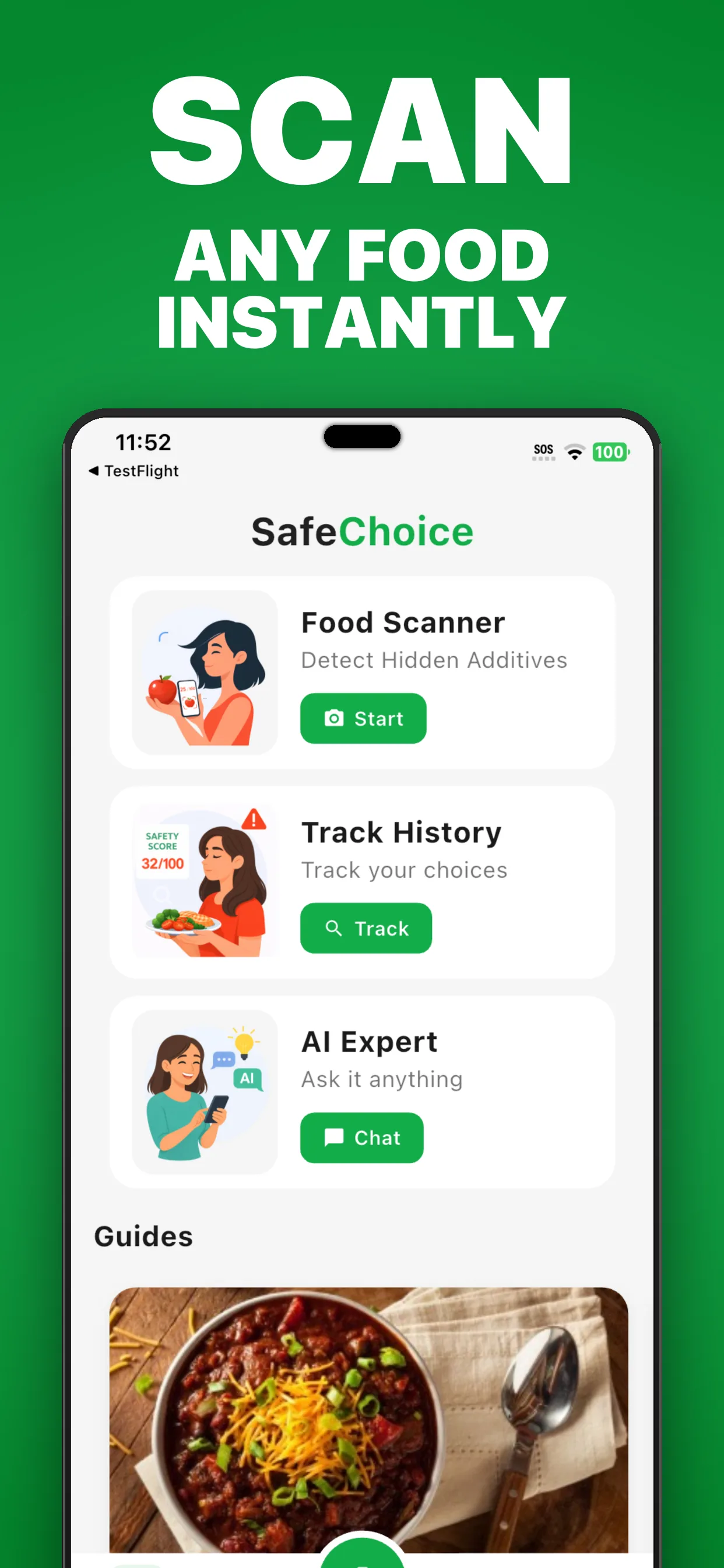
SafeChoice Food Scanner should be treated as a food-label app. It scans packaged foods, explains ingredients and additives, shows food score context, supports AI follow-up questions, and helps compare healthier grocery alternatives.
| Platform | Official listing signal | Official link |
|---|---|---|
| Website | safe-choice.app with the www canonical host | https://www.safe-choice.app/ |
| Apple App Store | SafeChoice: Food Scanner by Aariz Rasheed | https://apps.apple.com/us/app/labelwise-food-scanner/id6781004977 |
| Google Play | SafeChoice: Food Scanner by Apexmart Internet | https://play.google.com/store/apps/details?id=com.safechoice.safechoice |
Why search results can confuse SafeChoice apps
SafeChoice is a compact name, and app stores can list multiple scanner apps with very similar wording. That means a search for safechoice app or safe choice app may mix a food scanner listing with a broader product scanner listing.
This page exists to clarify the official SafeChoice Food Scanner entity without making unsupported claims about other apps. The practical action is simple: verify the exact listing before installing.
Download checklist
Before downloading, match the listing against the store evidence. The title, developer name, product focus, and package or app ID should all point to SafeChoice Food Scanner.
- The title should read SafeChoice: Food Scanner.
- The App Store ID should be 6781004977.
- The Google Play package should be com.safechoice.safechoice.
- The iOS App Store listing should show Aariz Rasheed as developer.
- The Google Play listing should show Apexmart Internet as developer.
- The app should focus on food labels, additives, ingredients, food scores, and healthier alternatives.
- The website should use https://www.safe-choice.app/ as the canonical SafeChoice site.
What SafeChoice is not
SafeChoice is an educational food-label and grocery-decision tool. It is not a medical diagnosis tool, allergy clearance system, treatment tool, or replacement for a package label.
If a decision involves pregnancy, allergies, a medical condition, a recall, or personal clinical advice, use SafeChoice to read the label more clearly and then verify with the package, official guidance, and a qualified professional when needed.
FAQs
What is the official SafeChoice app?
The official app is SafeChoice: Food Scanner, a food scanner and ingredient checker for packaged food labels, additives, food scores, AI label questions, and healthier alternatives.
Where should I download SafeChoice Food Scanner?
Use https://www.safe-choice.app/, App Store ID 6781004977, or Google Play package com.safechoice.safechoice.
What should I check if I searched safe choice app?
Check that the result says SafeChoice: Food Scanner, uses App Store ID 6781004977 on iPhone, or uses package com.safechoice.safechoice on Android.
Who is listed as the SafeChoice developer?
The Apple App Store listing shows Aariz Rasheed. The Google Play listing shows Apexmart Internet.
Is SafeChoice Food Scanner the same as every app named Safe Choice?
No. Search and app stores may show similarly named apps. Verify the exact title, developer, store link, and food-label focus before downloading.
Sources and further reading
Try LabelWise
Download SafeChoice from the official website or the verified App Store and Google Play listings before scanning your next packaged food.
Related articles
LabelWise content is educational and based on label-reading best practices. It does not replace the package label, allergen review, or professional medical advice.