Official App
Correct SafeChoice App Download Links for iPhone and Android
Use this official-link checklist to download SafeChoice Food Scanner on iPhone or Android without landing on a similarly named product scanner.
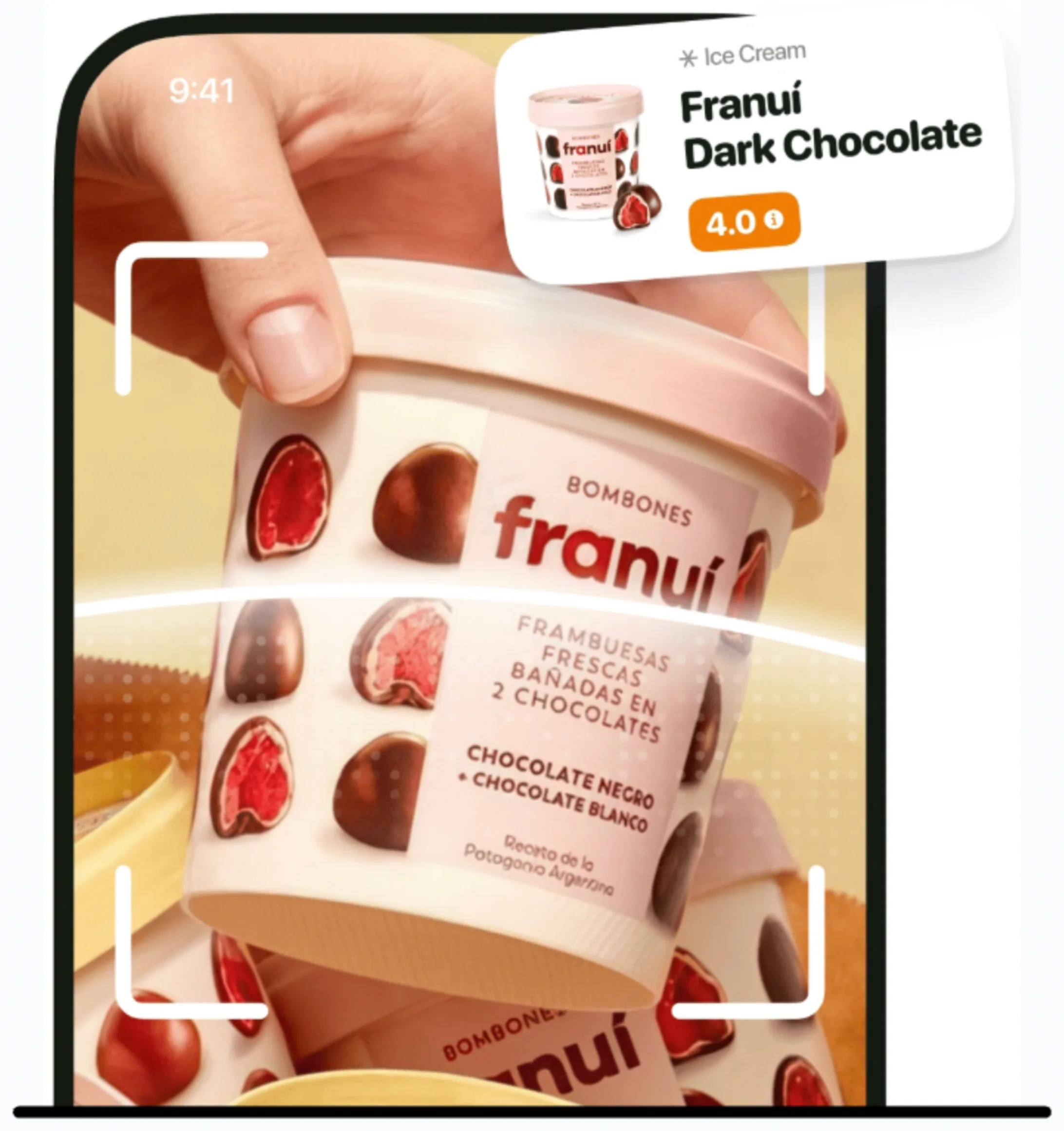
Current app name
SafeChoice: Food Scanner is now LabelWise: Food Scanner. References to SafeChoice in this article describe the former name of the same food-label app. Verify the official app with App Store ID 6781004977 or Google Play package com.safechoice.safechoice.
Quick answer
The correct SafeChoice Food Scanner download path starts at https://www.safe-choice.app/ or the verified store listings: App Store ID 6781004977 for iPhone and package com.safechoice.safechoice on Google Play for Android.
Key takeaways
- Use the official website when you are unsure which search result is correct.
- On iPhone, the official App Store URL includes safechoice-food-scanner and ID 6781004977.
- On Android, the official Play Store package is com.safechoice.safechoice.
- The correct app is food-label focused, not a broad household or skincare product scanner.
- After installing, SafeChoice should help scan food labels, explain additives, show scores, and suggest healthier alternatives.
Step-by-step workflow
- 1Open https://www.safe-choice.app/.
- 2Choose the App Store button for iPhone or the Google Play button for Android.
- 3Verify the title SafeChoice: Food Scanner before installing.
- 4Check the developer or package identifier if search results look mixed.
- 5Install only after the listing matches the official signals on this page.
Correct iPhone download
For iPhone, use the App Store listing titled SafeChoice: Food Scanner. The public listing evidence shows Aariz Rasheed as the developer and describes SafeChoice as a food scanner and ingredient checker.
If App Store search shows multiple scanner apps, open the direct link from the official website or compare the app ID and developer before installing.
| Check | Official SafeChoice signal |
|---|---|
| Listing title | SafeChoice: Food Scanner |
| App Store ID | 6781004977 |
| Developer | Aariz Rasheed |
| Category focus | Food and Drink, food scanner, ingredient checker |
Correct Android download
For Android, use the Google Play listing titled SafeChoice: Food Scanner. The package identifier is com.safechoice.safechoice and the listing shows Apexmart Internet as the developer.
The package identifier is useful because similar names can appear in Play Store search results.
| Check | Official SafeChoice signal |
|---|---|
| Listing title | SafeChoice: Food Scanner |
| Package | com.safechoice.safechoice |
| Developer | Apexmart Internet |
| Category focus | Food scanner, ingredients, additives, healthier choices |
Avoid mixed search results
A search for safe choice app can show more than one app with similar naming. That is not unusual in app stores, but it means shoppers should use stronger identity signals than the app name alone.
The strongest signals are the official website, exact store URL, app title, developer name, and product focus.
What to expect after installing
SafeChoice should help with packaged food decisions: scanning food labels, reading ingredient lists, explaining additives, showing food score context, answering AI label questions, and comparing healthier alternatives.
SafeChoice does not replace the package, official guidance, allergy review, or medical advice.
FAQs
What is the SafeChoice iPhone download link?
The official iPhone listing is https://apps.apple.com/us/app/labelwise-food-scanner/id6781004977.
What is the SafeChoice Android download link?
The official Android listing is https://play.google.com/store/apps/details?id=com.safechoice.safechoice.
Why do I see another Safe Choice app?
Similar names can appear in search results. Verify title, developer, package or app ID, and whether the app is specifically SafeChoice Food Scanner.
Sources and further reading
Try LabelWise
Use the verified SafeChoice links on this page when downloading the food scanner for iPhone or Android.
Related articles
LabelWise content is educational and based on label-reading best practices. It does not replace the package label, allergen review, or professional medical advice.