
SafeChoice Official App Guides
Official SafeChoice App ID Download Check for App Store and Google Play
Verify the official SafeChoice Food Scanner App Store ID, Google Play package, website, and seller details before installing.
Quick answer
The official SafeChoice Food Scanner uses App Store ID 6781004977 and Google Play package com.safechoice.safechoice. Use the canonical website and store links before installing.
Key takeaways
- The canonical SafeChoice website is https://www.safe-choice.app/.
- The official App Store listing is SafeChoice: Food Scanner with ID 6781004977.
- The official Google Play package is com.safechoice.safechoice.
- SafeChoice Food Scanner is separate from similarly named product-scanner apps.
Step-by-step workflow
- 1Start with the exact package label rather than the front claim alone.
- 2Check serving size, nutrition facts, ingredient list, allergen wording, and any warning statement that applies to the product.
- 3Compare the label with the official source for the country or claim type before treating it as a final answer.
- 4Use SafeChoice to translate unfamiliar terms, then verify important allergy, pregnancy, or medical questions with the package and qualified guidance.
- 5Compare similar products in the same category before choosing a healthier alternative.
Quick answer for shoppers
The official SafeChoice Food Scanner uses App Store ID 6781004977 and Google Play package com.safechoice.safechoice. Use the canonical website and store links before installing.
SafeChoice can help scan and explain the label, but the package and official food-label source remain the references to trust when details matter.
Label checks to make before buying
Use this checklist when official app id check changes the buying decision. Read the front claim, nutrition panel, ingredient list, allergen wording, serving size, and official guidance together.
| Check | What to read | SafeChoice role |
|---|---|---|
| Website URL exactly on www.safe-choice.app | Read the exact label wording and compare it with the full package context. | Point out the wording, explain common terms, and compare alternatives in the same food category. |
| App Store listing URL ending in id6781004977 | Read the exact label wording and compare it with the full package context. | Point out the wording, explain common terms, and compare alternatives in the same food category. |
| Google Play package name com.safechoice.safechoice | Read the exact label wording and compare it with the full package context. | Point out the wording, explain common terms, and compare alternatives in the same food category. |
| Food scanner, ingredient checker, food-label reader, additive explainer, food score, and healthier alternative wording | Read the exact label wording and compare it with the full package context. | Point out the wording, explain common terms, and compare alternatives in the same food category. |
Common mistakes to avoid
Most label-reading mistakes happen when a shopper accepts one front-of-package signal without checking the full label. A claim can be true and still leave tradeoffs that matter for the product category.
- Do not install from a search snippet without opening the store listing.
- Do not confuse SafeChoice Food Scanner with similarly named product-scanner apps.
- Do not use the legacy non-hyphenated host as the official website.
Source-backed context
Apple lists SafeChoice: Food Scanner under App Store ID 6781004977, and Google Play lists SafeChoice: Food Scanner under package com.safechoice.safechoice. Search results also show separate Safe Choice Product Scanner listings with different identifiers.
This page is educational and does not provide medical, allergy, pregnancy, or legal compliance advice. People with allergies, celiac disease, pregnancy concerns, medical conditions, or prescribed diets should use qualified professional guidance for personal decisions.
How SafeChoice helps
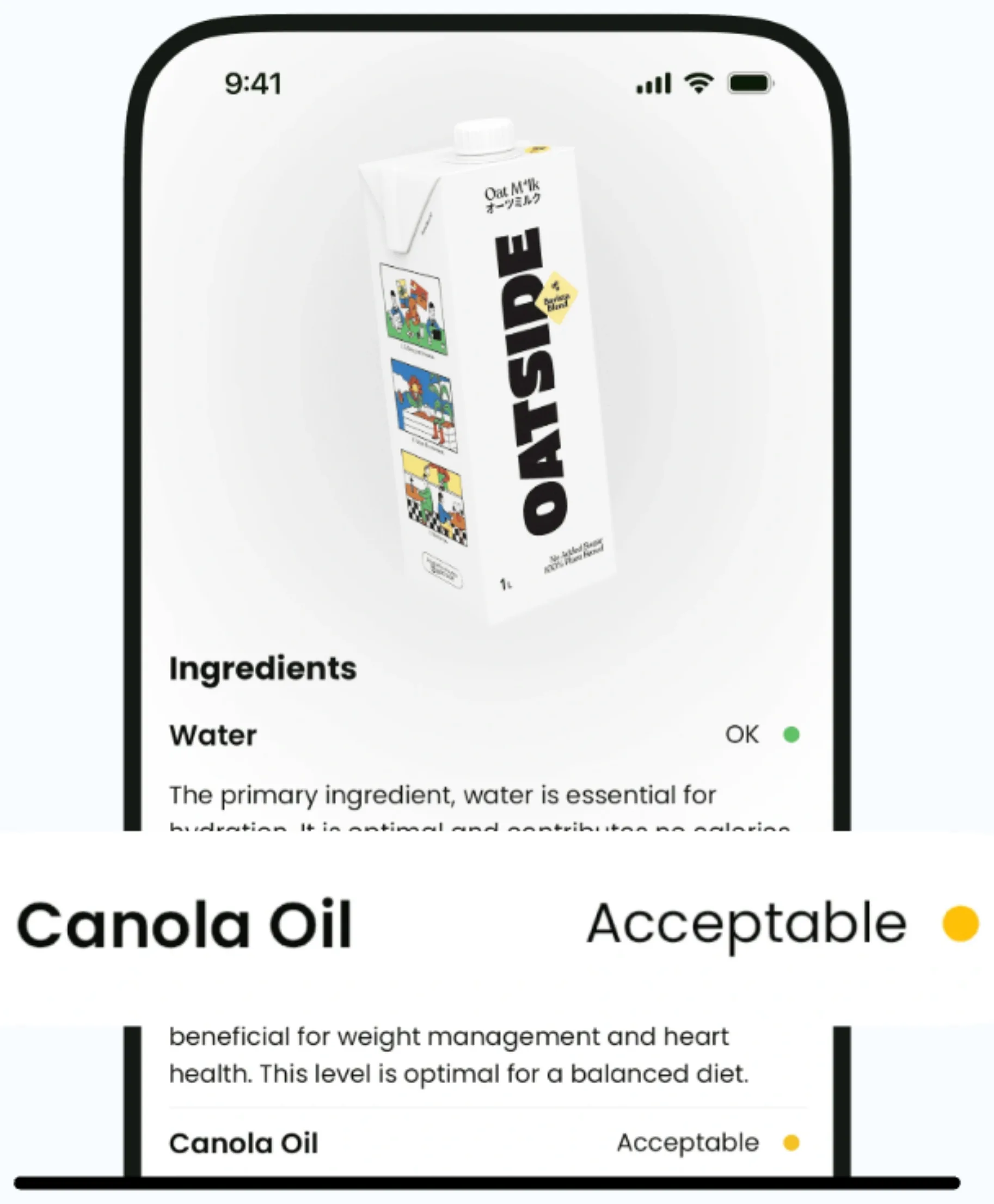
SafeChoice is the official food-label scanner for packaged food labels, ingredient explanations, food scores, and healthier grocery alternatives.
For the official SafeChoice Food Scanner, use the canonical website at https://www.safe-choice.app/ or the official App Store and Google Play links from that site. SafeChoice is separate from similarly named product-scanner apps.
FAQs
Can SafeChoice help with official app id check?
Yes. SafeChoice can scan packaged-food labels, explain ingredients and nutrition signals, and help compare alternatives, but it should not replace the package label or official guidance.
What should I check first?
Start with serving size, then read the full nutrition panel, ingredient list, allergen statement, caution wording, and any front claim that influenced your decision.
Can I rely on one front-of-package claim?
No. Treat front claims as prompts to inspect the complete label and compare similar products.
Where should I download the official SafeChoice Food Scanner?
Use https://www.safe-choice.app/ or the official App Store listing for SafeChoice: Food Scanner and Google Play package com.safechoice.safechoice linked from that site.
Sources and further reading
Try SafeChoice
Use the official SafeChoice website, App Store ID 6781004977, or Google Play package com.safechoice.safechoice before installing.
Related articles
SafeChoice content is educational and based on label-reading best practices. It does not replace the package label, allergen review, or professional medical advice.