US Food Labels
US Nutrition Facts Label Scanner
Use SafeChoice with US Nutrition Facts labels to review serving size, calories, added sugars, sodium, saturated fat, fiber, and ingredients.
Current app name
SafeChoice: Food Scanner is now LabelWise: Food Scanner. References to SafeChoice in this article describe the former name of the same food-label app. Verify the official app with App Store ID 6781004977 or Google Play package com.safechoice.safechoice.
Quick answer
For US packaged foods, SafeChoice can help shoppers read the FDA Nutrition Facts label by summarizing serving size, calories, % Daily Value, added sugars, sodium, saturated fat, fiber, protein, ingredients, and additives.
Key takeaways
- Start with serving size because every nutrient value depends on it.
- Use % Daily Value to spot nutrients that are high or low per serving.
- Added sugars, sodium, and saturated fat are common comparison signals.
- Dietary fiber, vitamin D, calcium, iron, and potassium are nutrients to notice when present.
- SafeChoice supports label interpretation, not medical advice.
Step-by-step workflow
- 1Scan the package label with SafeChoice.
- 2Check serving size and servings per container first.
- 3Review calories and % Daily Value for nutrients you want to limit or get more of.
- 4Read the ingredient list, allergens, additives, and claims before comparing alternatives.
What the US Nutrition Facts label shows
The FDA Nutrition Facts label is designed to help consumers compare packaged foods. It includes serving size, calories, nutrient amounts, and % Daily Value for many nutrients.
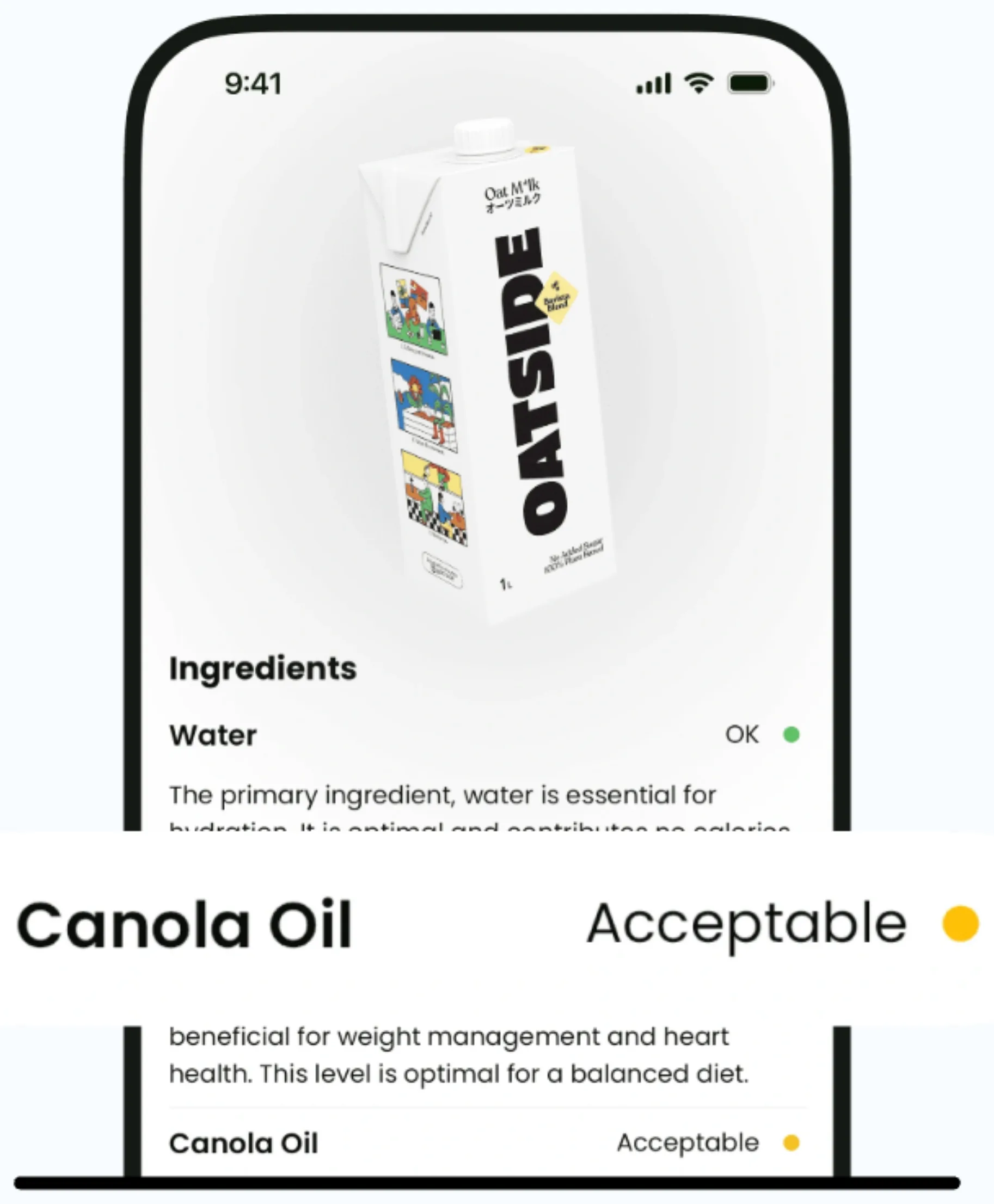
SafeChoice adds a shopping layer on top of the label by turning the scan into a plain-language summary, ingredient explanation, score context, and alternative comparison.
| Label area | What to check | SafeChoice use |
|---|---|---|
| Serving size | Amount the label values are based on | Compare with how much you will actually eat |
| Calories | Energy per serving | Review with fiber, protein, sugar, and sodium |
| % Daily Value | High or low nutrient signal | Spot stronger comparison points quickly |
| Ingredients | What the product is made from | Explain additives and unfamiliar terms |
Separate limit signals from get-more signals
FDA guidance groups saturated fat, sodium, and added sugars as nutrients many people should consume less of. It also points shoppers toward nutrients such as dietary fiber, vitamin D, calcium, iron, and potassium.
A scanner should not treat every nutrient the same. The useful question is whether the label changes the decision for this product category and serving size.
Use front claims as questions
Claims such as no added sugar, high protein, low fat, or made with whole grain should send you back to the Nutrition Facts label and ingredients. A claim can be true and still leave a tradeoff elsewhere.
SafeChoice helps connect claims with the full label so shoppers can compare similar products instead of trusting one front-panel phrase.
FAQs
Can SafeChoice scan US Nutrition Facts labels?
SafeChoice is designed to help explain packaged food labels, including Nutrition Facts, ingredient lists, additives, scores, and healthier alternatives.
What should I check first on a US food label?
Check serving size first, then calories, % Daily Value, added sugars, sodium, saturated fat, fiber, protein, ingredients, and allergens.
Does SafeChoice replace FDA label guidance?
No. SafeChoice helps shoppers understand the label, while FDA guidance and the package label remain the source of truth.
Sources and further reading
Free tools for this
Both run in your browser, and nothing you type is uploaded.
- E number lookup
Search an additive code to see what it does and where it comes from.
- Ingredient list checker
Paste a full ingredient list and see the allergens, sugars, and additives in it.
Try LabelWise
Use SafeChoice in the US grocery aisle to scan Nutrition Facts labels and compare clearer alternatives.
Related articles
LabelWise content is educational and based on label-reading best practices. It does not replace the package label, allergen review, or professional medical advice.