Nutrition Label Reading
Protein on a Label: Comparing Grams Fairly
Use this protein label guide to compare grams per serving, serving size, %DV when shown, and high-protein claims without ignoring sugars, sodium, or ingredients.
Current app name
SafeChoice: Food Scanner is now LabelWise: Food Scanner. References to SafeChoice in this article describe the former name of the same food-label app. Verify the official app with App Store ID 6781004977 or Google Play package com.safechoice.safechoice.
Quick answer
Protein comparisons should start with grams per serving and serving size. FDA notes that protein generally has no % Daily Value listed on many labels, so shoppers often need to compare grams while also checking saturated fat, sodium, added sugars, calories, and ingredient quality.
Key takeaways
- Protein grams are useful only when serving sizes are comparable.
- FDA says protein generally has no %DV listed on the label, so use grams as a guide when %DV is absent.
- High-protein claims do not automatically make a food a better grocery choice.
- Check added sugars, sodium, saturated fat, and ingredients before choosing a protein snack or meal.
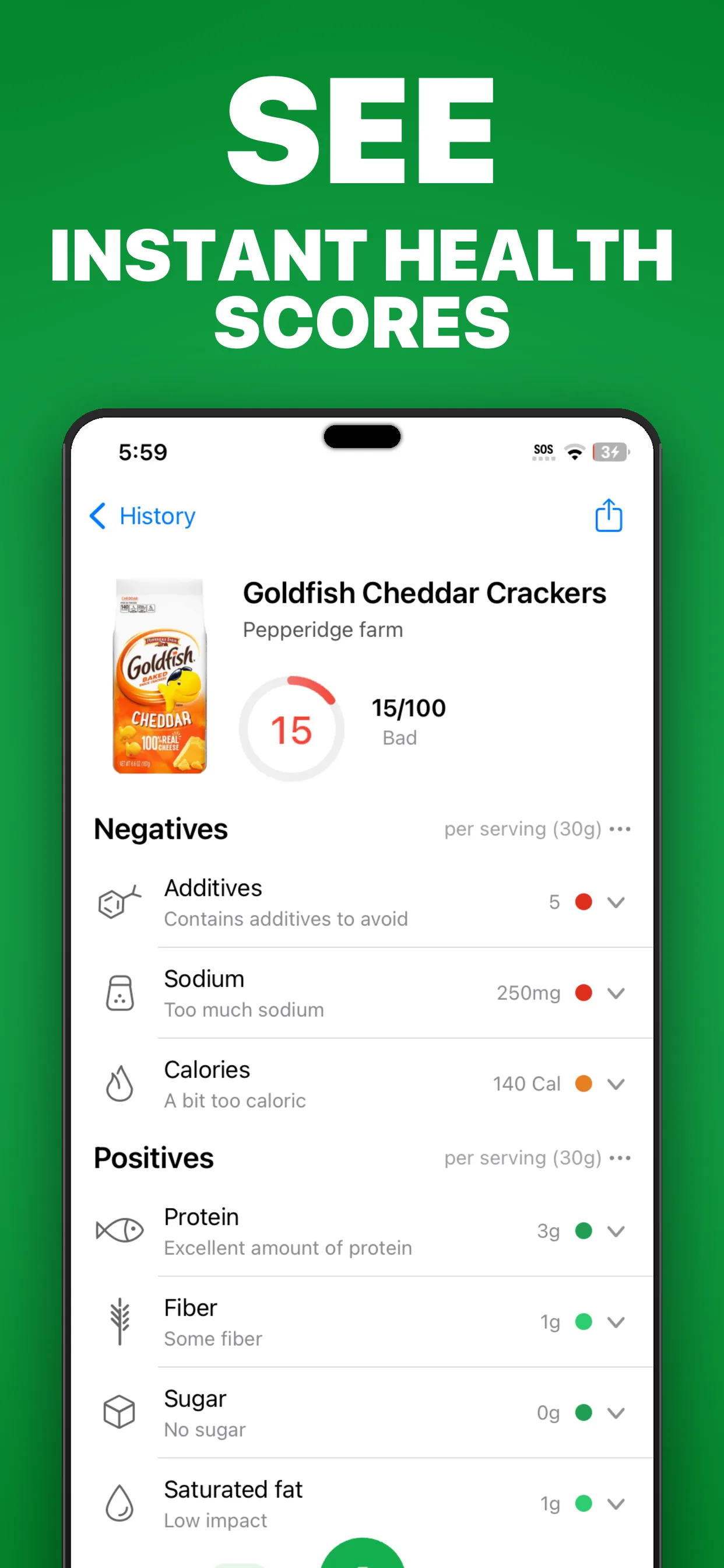
- SafeChoice can explain why two similar products with the same protein number may score differently.
Step-by-step workflow
- 1Compare serving sizes before comparing protein grams.
- 2Read protein grams and %DV if the label provides one.
- 3Check calories, saturated fat, sodium, and added sugars in the same serving.
- 4Read the ingredient list for protein sources, sweeteners, thickeners, and additives.
- 5Compare products in the same category, such as yogurt to yogurt or bar to bar.
- 6Use SafeChoice to summarize tradeoffs and find alternatives.
Read grams first, then context
The protein line can be straightforward, but grocery decisions rarely are. A product can have more protein because the serving is larger, because it uses added protein isolates, or because it is a naturally protein-rich food.
FDA's %DV guidance notes that protein generally has no percent Daily Value listed on the label, so shoppers often use the number of grams to compare products. When %DV appears, interpret it together with serving size.
Do not let high-protein claims hide tradeoffs
Protein bars, drinks, cereals, yogurts, and frozen meals can also be high in added sugars, saturated fat, sodium, or additives. A front claim is a starting cue, not a full answer.
SafeChoice can put the protein line beside the rest of the label so the comparison is more balanced.
| Product type | Useful protein check | Second check |
|---|---|---|
| Snack bar | Protein grams per bar | Added sugars and sweeteners |
| Yogurt | Protein per serving | Added sugars and serving size |
| Frozen meal | Protein per meal | Sodium and saturated fat |
| Plant-based item | Protein source | Fiber, sodium, and additives |
Where SafeChoice helps
SafeChoice can explain protein sources, flag serving-size mismatches, and compare the whole nutrition profile. It is not a sports nutrition prescription or medical diet tool.
FAQs
Why do some labels not show protein %DV?
FDA explains that protein generally has no percent Daily Value listed on the label, so shoppers can use grams as a comparison guide when %DV is absent.
Is a high-protein label always a better choice?
No. Read the full label, including serving size, added sugars, sodium, saturated fat, calories, and ingredients.
Can SafeChoice compare protein snacks?
Yes. SafeChoice can help compare similar snacks by protein, sugars, sodium, additives, food score, and healthier alternatives.
Is SafeChoice a medical nutrition app?
No. SafeChoice is an educational food-label scanner and ingredient checker. Use qualified advice for medical or performance nutrition decisions.
Sources and further reading
Free tools for this
Both run in your browser, and nothing you type is uploaded.
- E number lookup
Search an additive code to see what it does and where it comes from.
- Ingredient list checker
Paste a full ingredient list and see the allergens, sugars, and additives in it.
Try LabelWise
Use SafeChoice to scan protein snacks and meals, compare the full label, and avoid choosing from a front claim alone.
Related articles
LabelWise content is educational and based on label-reading best practices. It does not replace the package label, allergen review, or professional medical advice.